Rules of Survival Legacy Safe Download Guide for ROS Legacy
Protect your PC from fake installers, APK traps, and impersonators while Myth Games develops the real client.
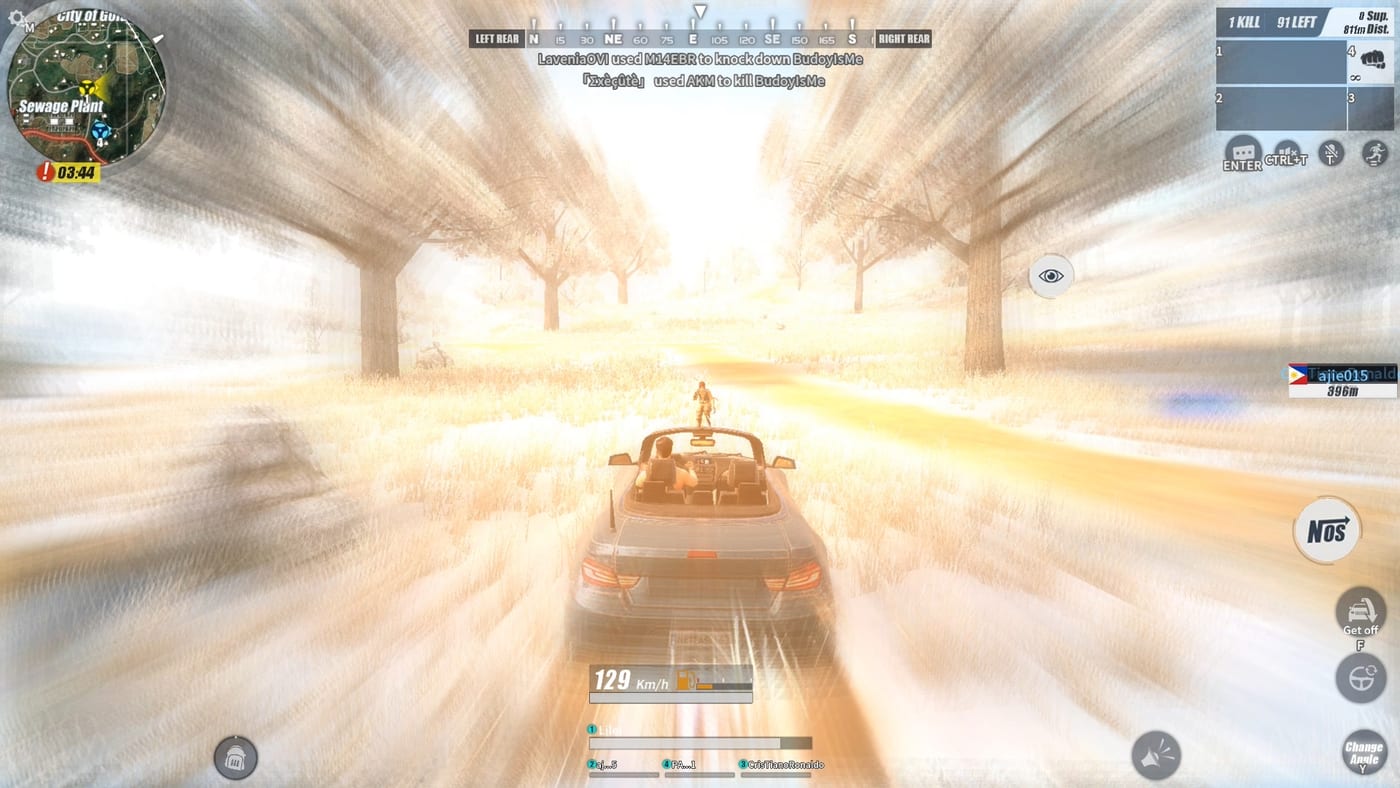
Search demand for Rules of Survival Legacy downloads is high because players miss the original 120-player battle royale. That demand also fuels scam pages, recycled NetEase installers, and Android APK files that have nothing to do with Myth Games. This guide teaches you how to verify sources before anything touches your drive.
Rules of Survival Legacy is Under Development by Myth Games on PC. It is not an official NetEase relaunch. The original service ended on 2022-06-27. Anyone selling restored accounts, free diamonds, or instant Steam keys is exploiting nostalgia鈥攏ot offering a verified product.
Trusted sources (only these to start):
- Myth Games site: https://chain.mythgames.net/ 鈥?Project overview and outbound official links
- Discord: https://discord.com/invite/wUsusyhGgr 鈥?Announcements and documented test access
- This wiki: Download Hub 鈥?Curated guides that point back to the above
If a download link appears anywhere else鈥擳ikTok bio, Telegram channel, APK aggregator鈥攖reat it as unofficial and high risk until Myth Games confirms it in a pinned announcement.
APK scams and why they target ROS players:
Many veterans played the original on mobile. Scammers know that habit and label malware Rules of Survival Legacy APK. Myth’s revival is PC-focused. An Android package claiming to be Legacy is almost certainly:
- A reskinned unrelated game with adware
- A credential harvester mimicking old NetEase login screens
- Cryptominer or remote-access trojan bundled with a fake icon
Never sideload APKs from mod sites just to try. If mobile ever becomes supported, expect confirmation on the Myth site and Discord join guide鈥攏ot a third-party mirror with pop-up ads.
Fake PC installers:
Desktop scams look more polished:
- Fake launchers that install browser hijackers before showing an error
- Repackaged old ROS clients that connect to dead servers but steal files locally
- Survey unlock pages that never deliver a binary
- Discord executables named ROS_Legacy_Setup.exe from unknown CDNs
Before running any .exe:
- Confirm the link was posted in an official Myth Discord announcement channel
- Check the domain鈥攏ot a typo-squat of Steam or Myth
- Scan with Windows Defender or your preferred AV
- Compare file size and hash if Myth provides one
- Read System requirements so you know a legitimate client size ballpark
No antivirus should need to be disabled. Any page instructing you to turn off protection is an immediate abort.
Rumor red flags: July 25, 2026 and already live:
Community calendars sometimes cite July 25, 2026 as launch day without a primary Myth source. Unverified dates spread faster than corrections. Similarly, blogs stating the game is fully live on Steam contradict the project’s Under Development status.
Cross-check rumors against Release timeline and What is ROS Legacy. Our wiki does not treat fan speculation as fact.
Discord impersonators:
Join only via https://discord.com/invite/wUsusyhGgr. Scammers clone server icons and DM keys that install malware. Real test instructions will be duplicated in public announcement channels where moderators can audit links.
If someone claims to be Myth staff and asks for payment, crypto, or your old NetEase password, report and block. Myth Games does not need your legacy NetEase credentials to distribute a new PC client.
Safe workflow when official access opens:
When Myth publishes a verified download:
- Download from the linked host only鈥攁void reuploads
- Verify digital signature or hash if provided
- Install to a standard path (e.g., Program Files) not a random temp folder
- Launch once without third-party boosters or cheat loaders鈥攖hose are separate ban and malware risks
- Keep the installer for reinstalls rather than hunting mirror sites later
Update GPU drivers and Windows first using System requirements as a checklist so troubleshooting forums do not push you toward sketchy fix tools.
What to do if you already ran a suspicious file:
- Disconnect from the internet if you suspect active malware
- Run a full AV scan and consider offline second-opinion scanners
- Change passwords from a different clean device if you entered credentials anywhere
- Warn friends with a link to this Safe download guide instead of forwarding the bad URL
- Rejoin community discussion through official Discord鈥攏ot the site that harmed you
Prepare safely while you wait:
You can improve without risky downloads:
- Learn mechanics in How to play Rules of Survival Legacy
- Plan drops via Ghillie Island map and How to find loot
- Refresh gun priority on Weapons tier list
- Study How to win for circle and endgame theory
All of that makes test day smoother without exposing your PC to fake APKs.
Related download pages:
- Download Hub 鈥?central overview
- Discord join guide 鈥?verified community entry
- System requirements 鈥?hardware prep
Stay skeptical, stay patient, and keep one clean install path ready for when Myth Games ships the real Rules of Survival Legacy client.
Frequently Asked Questions
Quick answers to the most common questions.
Is there a safe Rules of Survival Legacy APK?
No verified official APK exists. Myth Games is developing a PC project. Android downloads on mod sites are unofficial, often malicious, and should be avoided entirely.
How do I verify a download link is real?
It should appear on chain.mythgames.net or in a pinned Myth Discord announcement at discord.com/invite/wUsusyhGgr. Unknown mirrors and reupload sites are not trusted.
Should I disable antivirus to install ROS Legacy?
Never. Legitimate game installers do not require disabling protection. Pages that instruct you to do so are common malware funnels.
Can I get the old NetEase client safely?
The original ROS shut down 2022-06-27. Unofficial repacks of the dead client carry security risks and will not connect to Legacy servers operated by Myth Games.
Someone sent me a Google Drive link 鈥?is it official?
Only if the same link is posted publicly by Myth Games staff in official channels. Unsolicited Drive, Mega, or MediaFire links from strangers are high risk.
What about YouTube 'download in description' links?
Treat video description installers as untrusted unless they link back to Myth's official site or Discord. Prefer guides on this wiki for safe next steps.