Rules of Survival Legacy Controls
PC keybinds and sensitivity from classic ROS—rebind and retune when Legacy client settings are confirmed.
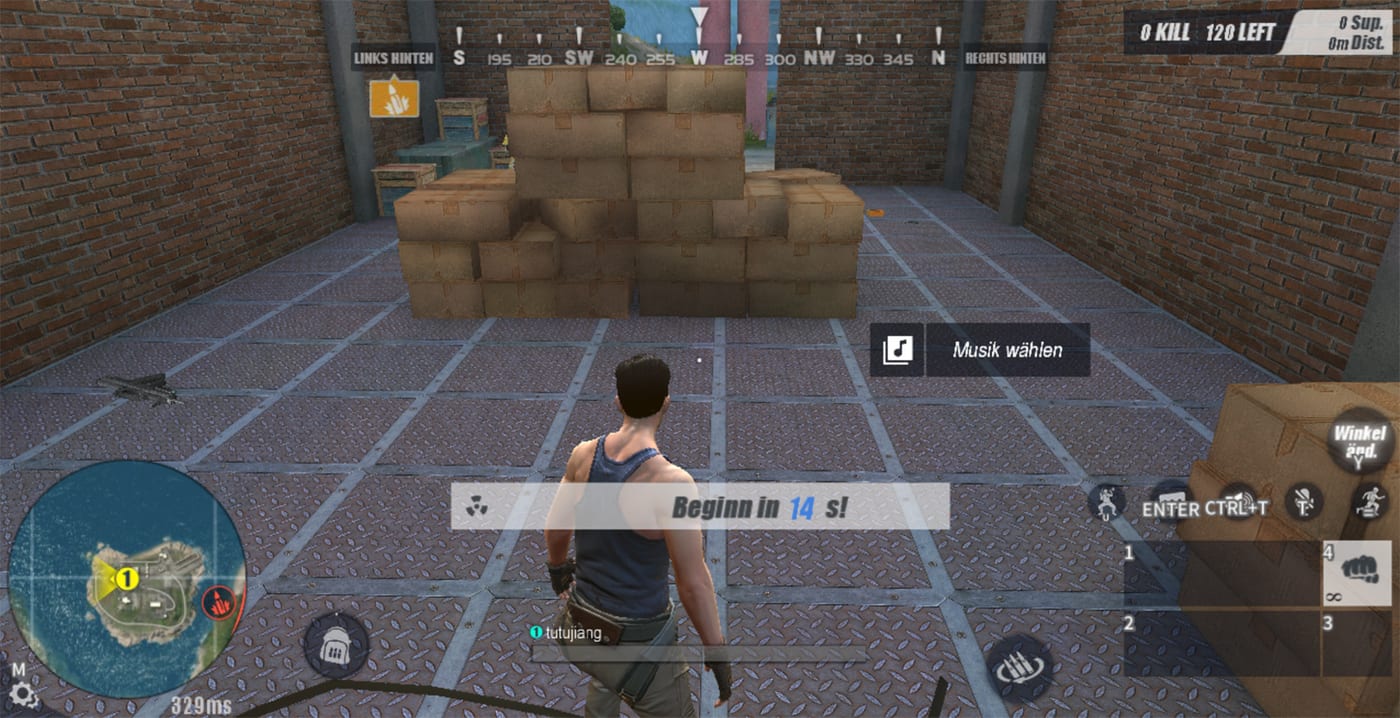
Rules of Survival Legacy targets PC through Myth Games and remains Under Development—not a NetEase mobile port, not released yet, with original ROS shutting down June 27, 2022. Controls on this hub reflect classic ROS PC and emulator habits that veterans used for parachuting, looting, driving, and gunfights on Ghillie Island and Fearless Fiord. Myth Games may remap defaults or add aim-assist toggles; establishing muscle memory now reduces launch-day friction.
Connect controls to combat outcomes on the tier-list hub and guides. A perfect M4A1 tier means little if swap keys sit on awkward fingers.
What this hub covers
PC keybinds
The PC keybinds page lists movement, combat, inventory, vehicle, and team communication bindings from classic ROS PC clients. Featured for new Legacy players migrating from other BR titles—copy the layout, then adjust after Myth Games publishes official defaults on Discord.
Sensitivity settings
The sensitivity page explains general look sensitivity, ADS multipliers, and scope-specific tuning used in classic ROS. Fiord sniper lines and Ghillie CQB both demand different effective eDPI—document your baseline before Legacy playtests.
Why PC controls matter for Legacy
Legacy marketing emphasizes PC through Myth Games’ chain platform. Mouse aim changes TTK perception: DMRs like SVD and SKS may feel stronger than on touchscreens, while hip-fire SMGs may feel weaker without mobile aim assist. Pre-tuning controls lets you evaluate true weapon tiers instead of fighting default bind clutter.
No official APK exists for mobile Legacy access. Avoid sideload sites claiming early builds—they are not Myth Games releases and may harm your account security or device.
Controls linked to map and loot flow
Battle royale controls are not only shooting. You need fast:
Parachute cut and dive toward drop locations like Training Base or Rust Bay. Door breach and crouch during loot spot clears. Inventory drag for attachments ranked on the attachments list. Vehicle handoff during Fearless Fiord long rotates. Ping and mark for squad coordination at 300-player scale.
Read the Getting Started guide for a day-one checklist tying controls to first-match goals.
Recommended setup workflow before launch
Install mouse software and set a fixed DPI (400–1600 common for BR). Import classic binds from PC keybinds; move swap and interact to thumb keys. Set general sensitivity using the sensitivity guide; test 50-meter tracking on static targets. Add ADS multipliers for 4x and 8x separately—critical for Observatory-style holds. Save two profiles if you alternate aggressive Ghillie drops and patient Fiord games. When Legacy opens, compare in-game settings menus and migrate without wiping muscle memory.
Builds and advanced play
Future builds pages will assume you can quick-swap between AR and SMG, shoulder-peek with crouch binds, and heal while moving with modifier keys. Nail fundamentals here before chasing advanced movement tech.
Legacy settings watchlist
Watch Myth Games patch notes for:
Raw input toggle and mouse acceleration defaults Hold vs toggle ADS, crouch, and sprint Rebind limits for utility items and emotes Controller support parity if cross-input matchmaking exists
Update this hub after verified client screenshots—do not trust leaked APK control menus.
Quick navigation
PC keybinds — full binding reference Sensitivity settings — DPI and ADS tuning Weapons tier list — what your binds need to handle Maps hub — where movement skills get tested Guides hub — strategy beyond settings
Frequently Asked Questions
Quick answers to the most common questions.
Will Rules of Survival Legacy use the same PC controls as classic ROS?
Not guaranteed. Myth Games may modernize bindings for PC-first design. Classic layouts on this hub are starting points until official settings menus are confirmed.
Is Legacy playable with controller on PC?
Myth Games has not detailed full input support. Classic ROS PC players primarily used keyboard and mouse; check Discord for controller news closer to launch.
What sensitivity should I use for Legacy prep?
Use the sensitivity guide to calculate eDPI from your DPI and in-game slider. Aim for consistent 180° turns without overshooting 4x ADS flicks.
Do I need different binds for Ghillie Island vs Fearless Fiord?
Same core binds work on both maps. Fiord may push you toward longer ADS holds and frequent vehicle keys; Ghillie rewards faster crouch-peek cycles.
Can I import mobile ROS habits to Legacy PC?
Touch habits do not translate directly. Rebuild muscle memory with PC keybinds and mouse sensitivity before expecting classic weapon performance.